

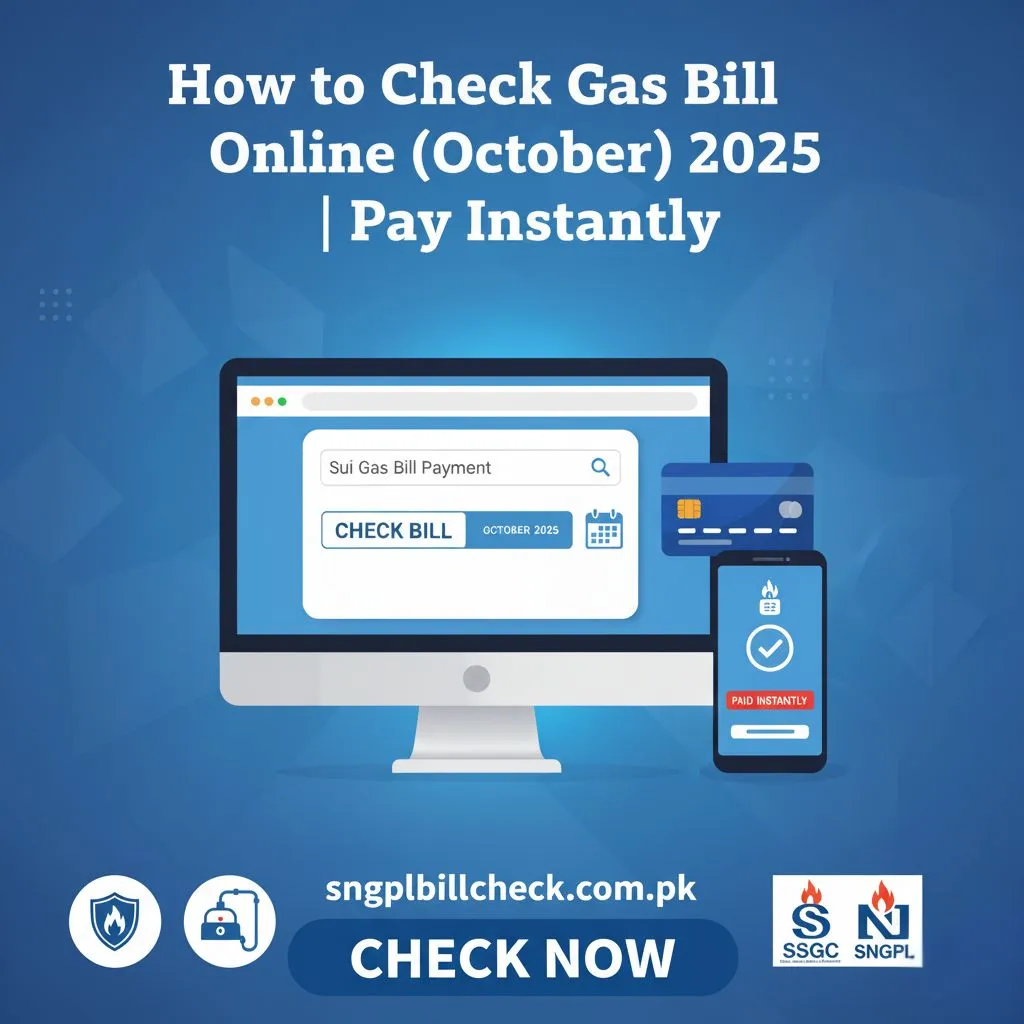
If you’re waiting for your paper gas bill or worried about missing your payment date, don’t worry! Now you can check your gas bill online easily from home. Whether you are a customer of SNGPL (Sui Northern Gas Pipelines Limited) or SSGC (Sui Southern Gas Company), both offer simple ways to view, download and pay your gas bills instantly.You can also check your IESCO bill online or GEPCO bill online easily from the comfort of your home, just like checking your Sui Gas bill online.
In this article, we’ll guide you how to check gas bill online, how to pay it, how to apply for a new gas connection and even how to reduce your monthly gas bill.
Overview of Digital Billing Convenience for Pakistani Users
Now, you can check your Sui Gas bill online without leaving your home. With a computer or mobile phone, you can see your latest bill, download it and pay it instantly. This sui gas bill online check Lahore option is especially convenient for people living in busy cities like Lahore, Karachi and Islamabad. No more waiting for paper bills or standing in long lines at offices everything can be done quickly and safely from home.
Benefits of Checking SNGPL and SSGC Bills Online
You can check your Sui Gas bill online anytime, anywhere. Some benefits include:
- Instant access to your current and past bills.
- Easy way to get a sui gas duplicate bill online.
- Avoid penalties for late payments.
- Save paper and help the environment.
- Keep records organized for future reference.
Understanding Your Sui Gas Bill
Before you check your gas bill, it’s helpful to understand what each part means.
Explanation of Key Bill Terms
- Meter Reading: Shows how much gas you used.
- Billing Month & Due Date: Tells you when to pay.
- Arrears & Adjustments: Shows unpaid bills or corrections.
- Tariff Rate: The price you pay per unit of gas.
Difference Between SNGPL and SSGC Bills
- SNGPL (Sui Northern Gas Pipelines Limited): Covers Punjab, KPK and northern areas.
- SSGC (Sui Southern Gas Company): Covers Sindh and Balochistan.
How to Check Gas Bill Online
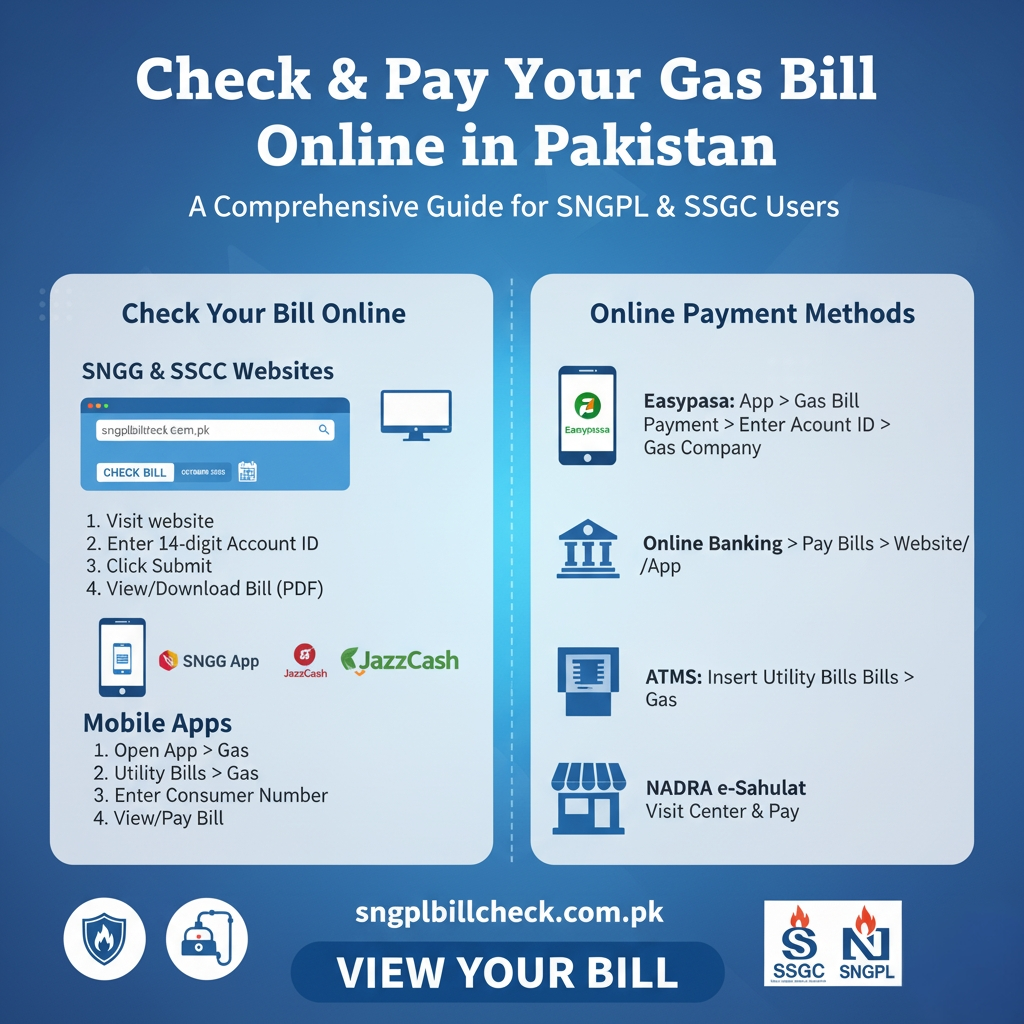
You can check your SNGPL bill online easily using your consumer number.
Step-by-Step Guide for SNGPL Users
- Visit sngplbillcheck.com.pk.
- Enter your 14-digit Account ID that is mentioned on your Sui Gas bill.
- Click the ”Submit” button.
- Your Sui Gas duplicate bill online will appear on the screen.
- You can download or print your Sui Gas bill for future reference and record keeping.
Official Website and Required Information
All you need is your consumer number which is on your old bill. You can also get an SNGPL duplicate bill online anytime.
How to Check SSGC Gas Bill Online
You can also check your SSGC bill online if you live in Sindh or Balochistan.
Easy Steps to View Your SSGC Bill
- Visit sngplbillcheck.com.pk.
- Click View Bill.
- Enter your customer number.
- Press Submit to see your bill.
Tips for Downloading and Printing the Bill
You can download your sui gas duplicate bill online in PDF format or print it for your records.
How to Download and Print Your Gas Bill
After checking your bill online, you can save it for future use:
- Click Download to save your bill as a PDF.
- Open the file and print it if you need a hard copy.
This is helpful if you want a sui gas duplicate bill for bank payments or records.
Check Your Gas Bill via Mobile Apps
Official Apps
You can also use mobile apps to check your bill:
- SNGPL App
- SSGC App
- Easypaisa
- JazzCash
How to Use Apps for Bill Inquiry and Payment
Open the app → choose ”Utility Bills” → select ”Gas” → enter your consumer number → check your bill. You can even pay your bill directly from the app.
How to Pay Your Gas Bill Online in Pakistan
You can pay your gas bill online easily using different methods:
- Easypaisa: Go to ”Gas Bill Payment,” enter your Account ID or consumer number and pay.
- JazzCash: Open the app, select ”Pay Bills,” choose a gas company and pay.
- Online Banking: Use your bank’s website or mobile app.
- NADRA e-Sahulat: Visit a nearby center and pay.
- ATMs: Insert your card → choose ”Utility Bills” → select Gas → pay.
How to Apply for a New Sui Gas Connection Online
You can apply for a new gas connection online.
Online Registration Process for SNGPL/SSGC
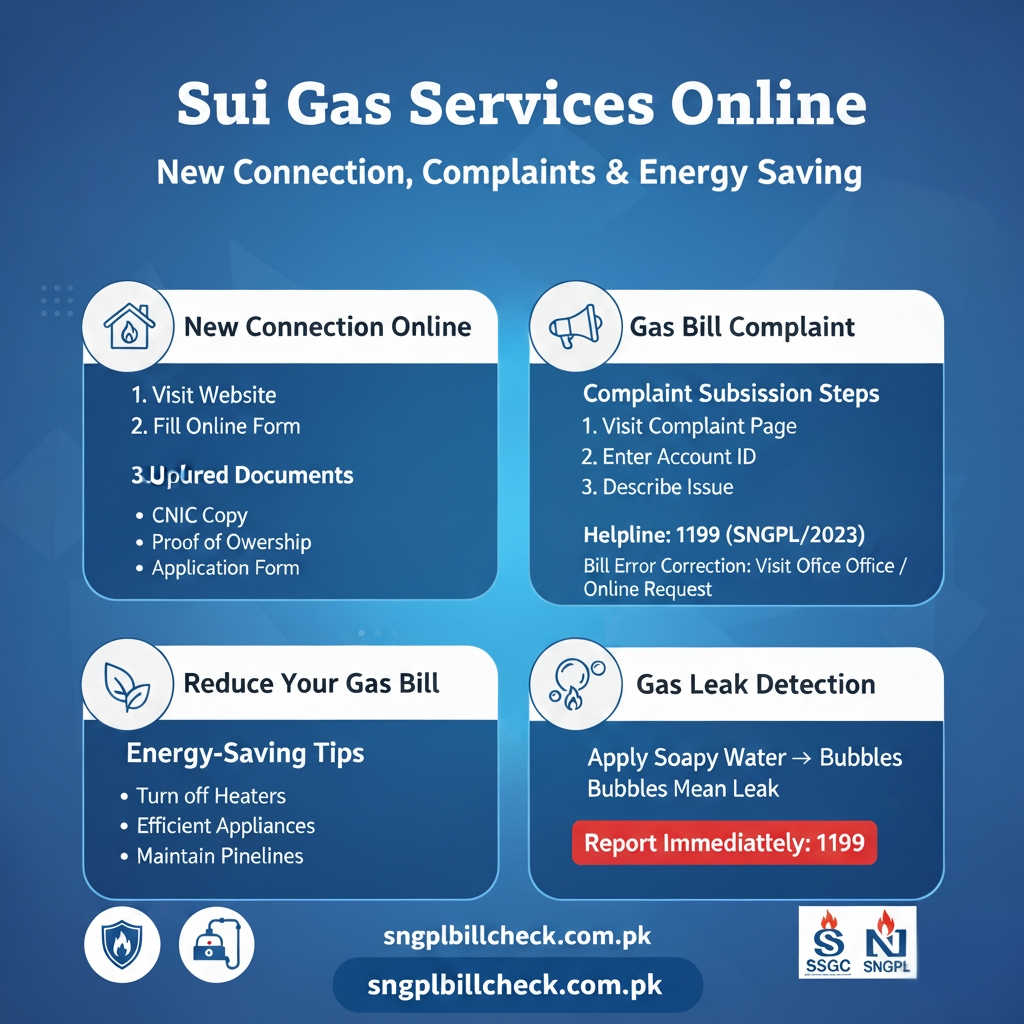
Visit your gas company’s website → click New Connection → fill out the online form.
Required Documents and Connection Fees
- CNIC copy
- Proof of property ownership
- Connection application form
- Pay required connection fees
How to Register and Track Your New Connection Application
After applying, you can track your connection status online. The website shows inspection updates and installation progress.
How to Register a Gas Bill Complaint Online
Complaint Submission Steps
If your bill seems high or there is a supply issue, submit a complaint online:
- Visit your company’s complaint page.
- Enter your Account ID or consumer number and problem details.
- Submit the complaint.
Official Portals and Helpline Numbers
- SNGPL Helpline: 1199
- SSGC Helpline: 1199
How to Correct Errors in Your Gas Bill
Billing mistakes happen. You can fix them online or offline:
- Visit the nearest gas office with your latest bill and meter photo.
- Or use the SNGPL duplicate bill online check option to request corrections.
Tips to Reduce Your Monthly Gas Bill
Energy-Saving Tips
- Turn off heaters when not needed.
- Use efficient gas appliances.
- Maintain pipelines and burners regularly.
How to Detect Gas Leaks
Apply soapy water to connections. If bubbles appear that means your gas is leaking . Report it immediately to 1199.
Gas Load Management and Billing Adjustments
Gas usage changes in winter and summer. Knowing how gas load management works helps you predict your bill better. Seasonal adjustments can affect your monthly charges, so keep an eye on your online bill.
Safety and Legal Tips for Gas Consumers
Avoid Illegal Connections
Never use unauthorized gas connections. This can result in fines or legal issues.
Report Gas Theft or Leaks Safely
If you notice a gas leak or suspect theft, call your local gas office or the emergency number 1199 immediately.
Conclusion
Managing your Sui Gas payments has never been easier. You can view your current charges, download a sui gas duplicate bill online and pay directly from your phone or computer and pay through mobile apps or internet banking. This digital method saves time, avoids late fees and keeps your records organized, all from the comfort of your home. It also supports an eco-friendly, paperless approach. If you want to stay updated on your bills, pay on time and avoid unnecessary visits to the gas office, you can easily learn how to check gas bill online.
Frequently Asked Questions
How do we check a Sui Gas bill online?
You can easily check your Sui Gas bill online by visiting the official SNGPL or SSGC website. Enter your Account ID or consumer number and your current bill will appear instantly. You can also download a Sui Gas duplicate bill online or print it for your records. Mobile apps like Easypaisa or JazzCash also allow quick bill checks and payments.
How do I check my gas usage?
To check your gas usage, log in to your Sui Gas account online. Your monthly meter reading and consumption units are displayed on your bill. This helps you track how much gas you’re using and plan energy-saving measures effectively.
How can I check my current KE bill?
You can check your Karachi Electric (KE) bill online through the KE website or mobile app. Enter your account number to view your current charges and download a copy for reference.
How do I check my LESCO bill online?
Visit the LESCO website, enter your reference number and check your current electricity bill online. You can also download a duplicate copy or pay online using Easypaisa or JazzCash.
How do I check my bill number?
Your bill number is printed on your monthly utility bill. For online checks, entering your consumer or account number on the official portal automatically retrieves your bill details.
How can I check my gas meter reading?
Check your gas meter at home and note the reading. Compare it with your previous bill online to ensure accuracy. You can also report your reading via SNGPL or SSGC apps for proper billing.